
Data Use, Offline Downloads, and Storage Across Music and Podcast Streaming Services
Streaming audio is easy to manage while the phone has stable Wi-Fi or reliable mobile coverage. The trade-offs become more noticeable on an airplane, in subway sections with weak reception, during a long drive, or while roaming overseas. In those situations, the important questions are not simply whether a service has a Download button, but how much storage the downloaded audio uses, how much mobile data repeated streaming would consume, and how long the service allows offline playback before it needs to verify the account again.
Spotify, YouTube Music, Apple Music, and podcast apps handle these details differently. Their settings also change the answer significantly. A one-hour podcast downloaded at a modest bitrate can occupy a few dozen megabytes, while several hours of high-quality music can require hundreds of megabytes. Lossless music can require substantially more space again.
The most practical approach is to estimate listening time first, choose audio quality according to the content, and verify the downloaded library without a network connection before leaving.
Offline Listening Conditions in Weak-Connection Environments
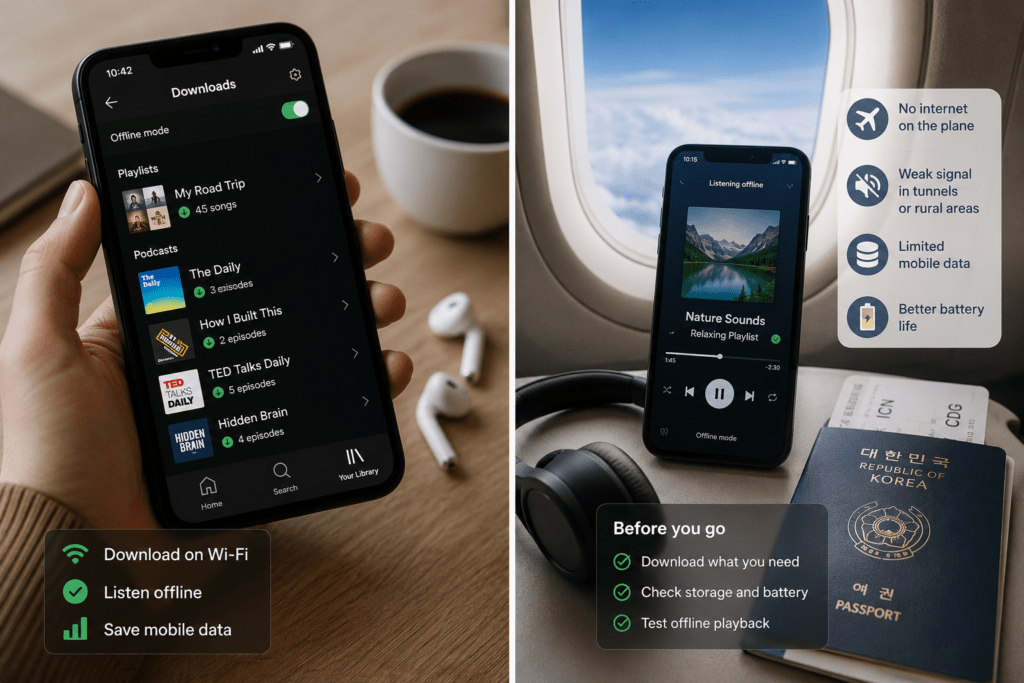
Pre-downloaded audio is most useful when losing the connection would interrupt something you expect to finish.
Flights are the obvious case, but shorter interruptions matter as well. Subway tunnels, underground stations, congested networks, rural roads, hiking areas, and roaming situations can all make continuous streaming less predictable.
Spotify specifically describes offline listening as a way to take music and podcasts where an internet connection is unavailable. Premium subscribers can currently download albums, playlists, and podcasts, while free users can download podcasts. Spotify also uses Wi-Fi for downloads by default unless cellular downloading is enabled manually.
YouTube Music Premium similarly supports offline music downloads, while podcast episodes can be downloaded without a Premium membership in supported cases. Google also provides separate settings for Wi-Fi and mobile-network audio quality.
Before a trip, estimate how many hours of audio you actually need.
For example, a travel day might include:
- 90-minute journey to the airport
- 2 hours waiting and boarding
- 6-hour flight
- 1 hour of ground transportation after arrival
That is roughly 10.5 hours of possible listening time. There is little reason to download a 100-hour music library if you normally listen for only four or five hours during that period.
For spoken material, a smaller library is often enough. Ten one-hour podcast episodes can cover an entire travel day and still use far less space than a large lossless music library.
A practical reserve is also useful. Do not fill the phone to its storage limit immediately before traveling. Spotify itself recommends keeping at least 1 GB of free memory when troubleshooting downloads.
Streaming Data Costs and Repeat-Play Economics
Downloading becomes particularly efficient when the same album, playlist, lesson, or podcast episode will be played more than once.
For compressed audio with a known bitrate, approximate data use can be calculated from:
bitrate × listening time ÷ 8
Using decimal megabytes, one hour of audio is approximately:
| Audio bitrate | Approx. per minute | Approx. per hour |
|---|---|---|
| 48 kbps | 0.36 MB | 21.6 MB |
| 96 kbps | 0.72 MB | 43.2 MB |
| 128 kbps | 0.96 MB | 57.6 MB |
| 160 kbps | 1.20 MB | 72 MB |
| 256 kbps | 1.92 MB | 115.2 MB |
| 320 kbps | 2.40 MB | 144 MB |
These are planning figures based on bitrate rather than a guarantee of the exact network charge. Codec behavior, variable bitrate, application overhead, advertisements, artwork, and video can change actual usage.
The numbers are still useful for comparing repeated streaming with one download.
Spotify currently lists approximately 96 kbps for Normal music quality, 160 kbps for High, and 320 kbps for Very High on Premium. Podcast audio is approximately 96 kbps on most devices, with a lower setting of approximately 24 kbps available on mobile and tablet.
A one-hour album streamed at approximately 320 kbps therefore represents roughly 144 MB of audio data.
Played five times:
144 MB × 5 = approximately 720 MB
Downloaded once at the same nominal bitrate:
approximately 144 MB of storage and initial download data
The exact application usage will differ, but the reason downloading helps becomes clear. Replaying already downloaded material does not require downloading the entire audio stream again.
YouTube Music currently publishes more explicit mobile quality levels:
- Low: up to 48 kbps AAC or Opus
- Normal: up to 128 kbps
- High: up to 256 kbps
The same levels can be selected for downloads.
At High quality, a one-hour album is approximately 115 MB using the nominal bitrate. Streaming that album five times would represent roughly 576 MB of audio, compared with roughly 115 MB for one initial download.
This matters on a limited mobile plan.
If a user has only a few gigabytes of high-speed data each month and repeatedly plays the same commuting playlist, downloading it through home Wi-Fi is much easier to budget than leaving the application on automatic mobile streaming.
Spotify specifically recommends reviewing media quality, disabling cellular downloads when they are not needed, and using Wi-Fi while abroad to reduce data use. YouTube Music provides separate controls for mobile-network quality and can also be set to stream over Wi-Fi only.
Automatic Quality Settings and Mobile Data Limits
“Automatic” audio quality is convenient, but it makes data planning less predictable.
Spotify currently adjusts quality automatically according to the network unless the user changes that behavior. It also allows separate choices for streaming and download quality. Spotify notes directly that higher streaming quality uses more data and higher download quality uses more storage.
YouTube Music separates Wi-Fi quality, mobile-network quality, and download quality. A user can therefore keep high-quality downloads prepared over Wi-Fi while setting mobile streaming to Normal or Low.
This is preferable to choosing one maximum-quality setting for every situation.
Consider a user who listens for two hours each weekday while commuting.
At approximately 320 kbps:
144 MB × 2 hours × 20 commuting days = about 5.76 GB per month
At approximately 96 kbps:
43.2 MB × 2 × 20 = about 1.73 GB per month
The difference is more than 4 GB before other phone data is considered.
That is why the mobile plan belongs in the audio-quality decision.
Someone with unlimited full-speed data may reasonably prioritize sound quality. Someone whose high-speed allowance falls sharply after 5 GB should either use a lower mobile-streaming setting or download regular listening material over Wi-Fi.
Automatic downloads also need attention. They can quietly occupy storage with material that was never deliberately selected. YouTube Music’s Smart Downloads can automatically save music based on listening history. Apple Podcasts can automatically download episodes from followed shows and also provides controls for how many episodes are retained.
The useful distinction is:
automatic streaming quality controls data use
while
automatic download settings control storage use
Both should be checked before blaming the service for unexpectedly high data or storage consumption.
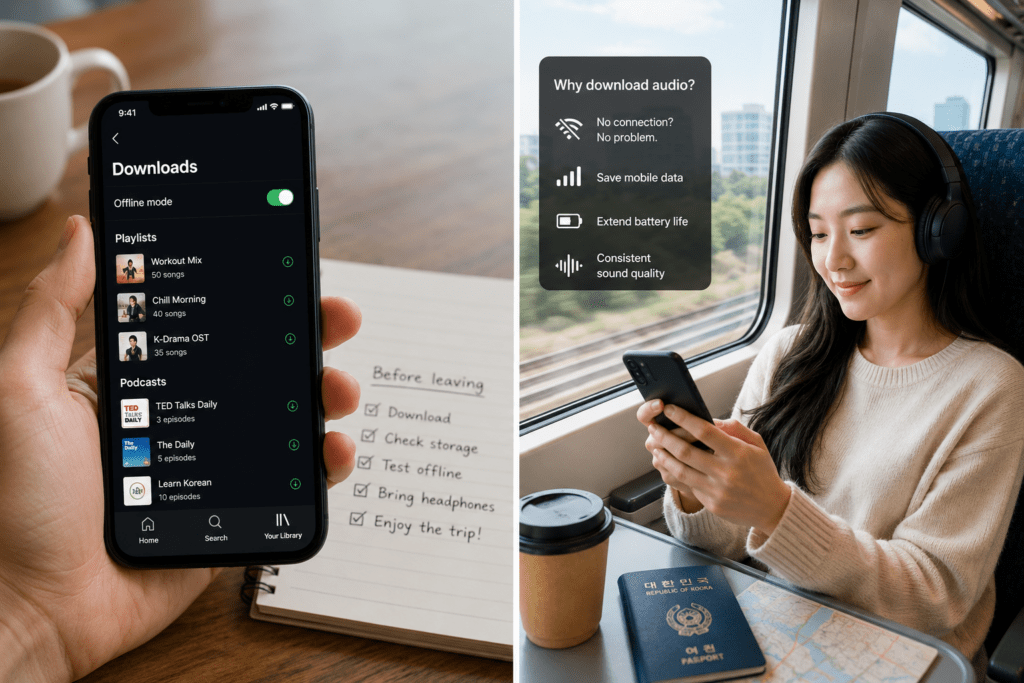
Offline Authentication and Download Expiration
An offline copy from a subscription streaming service should not be treated as a permanent audio file. Spotify currently requires the device to go online at least once every 30 days to keep downloaded material. Downloads can also disappear after reinstalling the app or when the account exceeds Spotify’s device limit for offline downloads.
YouTube Music has a similar verification period. Google states that downloaded content requires reconnection at least once every 30 days to remain available. This creates a simple travel rule:
download first → test offline → reconnect shortly before departure
Do not prepare an offline library several weeks before a long trip and assume it will remain playable indefinitely. Account state matters as well. A catalog download is part of the streaming service’s access model rather than the equivalent of purchasing an unrestricted audio file.
Apple Music allows subscribers to add catalog music and download it for offline listening. Apple separately describes purchased iTunes Store music as DRM-free downloadable music, illustrating the difference between subscription access and purchased audio.
This distinction matters for long-term storage. If the goal is simply to listen on tomorrow’s flight, an app download is convenient. If the goal is to preserve an album independently for years, a purchased or otherwise lawfully owned audio file is a different type of product.
Overseas Travel and Regional Availability
Downloading before leaving the country reduces dependence on roaming, but it does not remove every service restriction. Music catalogs and platform features can vary by region. Apple states that Apple Music availability and some media features can differ by country or region.
YouTube Music publishes a more detailed travel rule. Premium users can take their music library with them temporarily, including when traveling through a country where YouTube Music itself is unavailable. Google currently says the music library can travel for six months, while downloaded music remains available for up to 30 days without an internet connection. Podcast-download availability has additional regional restrictions.
This means that “I downloaded it before leaving Korea” should not be the only preparation.
Before an extended overseas stay:
- update the streaming application;
- confirm that the subscription is active;
- reconnect shortly before departure;
- test the downloads in airplane mode;
- check the service’s current travel policy for the destination;
- keep some legally owned local audio if uninterrupted access is important.
For a short vacation, periodic verification may never become an issue. For an extended trip or stay abroad, the account country and travel rules become more important.
Changing account regions simply to restore missing content can also affect catalog availability, so it should not be treated as the first troubleshooting step. Apple specifically notes that some content may not be available after changing an Apple Account country or region.
Storage Planning by Audio Quality
Storage should be chosen according to what is being listened to, not simply according to the highest setting the service offers. For compressed streaming settings with published bitrates, capacity is predictable enough for planning. A four-hour playlist at YouTube Music’s current 256 kbps High setting is approximately:
115.2 MB × 4 = 460.8 MB
The same four hours at 128 kbps Normal quality is approximately:
57.6 MB × 4 = 230.4 MB
For speech, the difference may not justify doubling the storage.
A ten-hour collection of spoken podcasts at approximately 96 kbps requires roughly:
43.2 MB × 10 = 432 MB
At 24 kbps:
10.8 MB × 10 = 108 MB
Spotify currently uses approximately 96 kbps for podcasts on most devices and can reduce podcast quality to approximately 24 kbps through its Low mobile setting. For spoken interviews, lectures, or language material, intelligibility is normally the main concern. A lower compressed setting can therefore be a sensible storage choice when the listener is using ordinary earbuds in a subway, airplane cabin, or other noisy environment.
Music deserves a different calculation. Spotify now offers lossless playback for Premium users at up to 24-bit/44.1 kHz FLAC. Apple Music supports Lossless up to 24-bit/48 kHz and Hi-Res Lossless up to 24-bit/192 kHz.
A fixed “MB per minute” should not be assigned to those lossless settings in the same way as a 256 or 320 kbps compressed stream. FLAC and ALAC are lossless compression formats, and the resulting bitrate varies with the source material. Spotify only states that lossless files are significantly larger than standard-quality audio, while Apple likewise warns that lossless streaming consumes substantially more data.
For practical storage planning, download one representative album at the intended lossless setting and inspect how much device storage it actually consumes. Then multiply by the number of similar albums you plan to carry. This avoids false precision.
Podcast Storage and Automatic Cleanup
Podcasts often deserve different storage rules from music because they are usually consumed once.
Keeping twenty completed two-hour episodes on a phone provides little value if they will never be replayed.
Apple Podcasts allows episodes to be downloaded for offline listening and provides automatic-download controls. On current iPhone software, followed podcasts can download automatically, played downloads can be removed automatically, and users can limit the number or age of episodes retained for an individual show.
Spotify also downloads only the audio portion when downloading a podcast that has video, according to its current data-use guidance. This can make offline podcast listening more storage-efficient than downloading the full video experience elsewhere.
For a daily news or discussion podcast, a practical configuration is:
automatic download of recent episodes → lower or normal audio quality → automatic removal after listening
For an audiobook, language course, or series likely to be replayed, manual deletion is safer.
The important distinction is whether the content has repeat value. Music libraries often do. Daily podcast episodes often do not.
Offline Library Preparation by Listening Pattern
The best offline library is not the largest one. It is the one sized for the actual journey and device.
For a normal commute, download frequently repeated playlists and current podcast episodes over Wi-Fi.
For a flight, add several extra hours beyond the expected flight time in case of delays.
For overseas travel, reconnect shortly before departure and verify the service’s current regional rules.
For limited storage, prioritize spoken content at lower quality and reserve high or lossless quality for music where the difference matters to you.
For limited mobile data, disable cellular downloads, reduce mobile-streaming quality, and download repeat listening through Wi-Fi.
A useful final calculation is:
expected listening hours × approximate hourly file size + 20–30% reserve
For compressed audio, the bitrate table provides a reasonable estimate. For lossless material, measure a real album first rather than assuming a universal file size.
Then perform one final test before leaving:
download complete → airplane mode on → app reopened → several tracks played → headphones tested → storage checked
Streaming gives the largest catalog at any moment. Offline downloads trade some storage for predictable playback and lower repeat data use. The better choice depends on connection quality, the mobile plan, listening frequency, audio quality, and how long the service will allow the downloaded copy to remain authenticated.