Situations Where Downloading Audio Is More Practical Than Continuous Streaming
Streaming is convenient when the connection is stable, but it is not always the best way to listen. Downloading audio in advance is often more practical during subway commutes, flights, overseas travel, hikes, long drives, or any situation where mobile data and network quality are uncertain.
Before downloading, distinguish between two different things:
- Offline downloads inside a streaming app: playable only through that app and usually dependent on an active subscription.
- Audio files you own or control: purchased, uploaded, or otherwise legally stored files that may be managed outside a streaming catalog, depending on their format and licence.
This difference determines how long the audio remains available and whether it can be moved to another device or app.
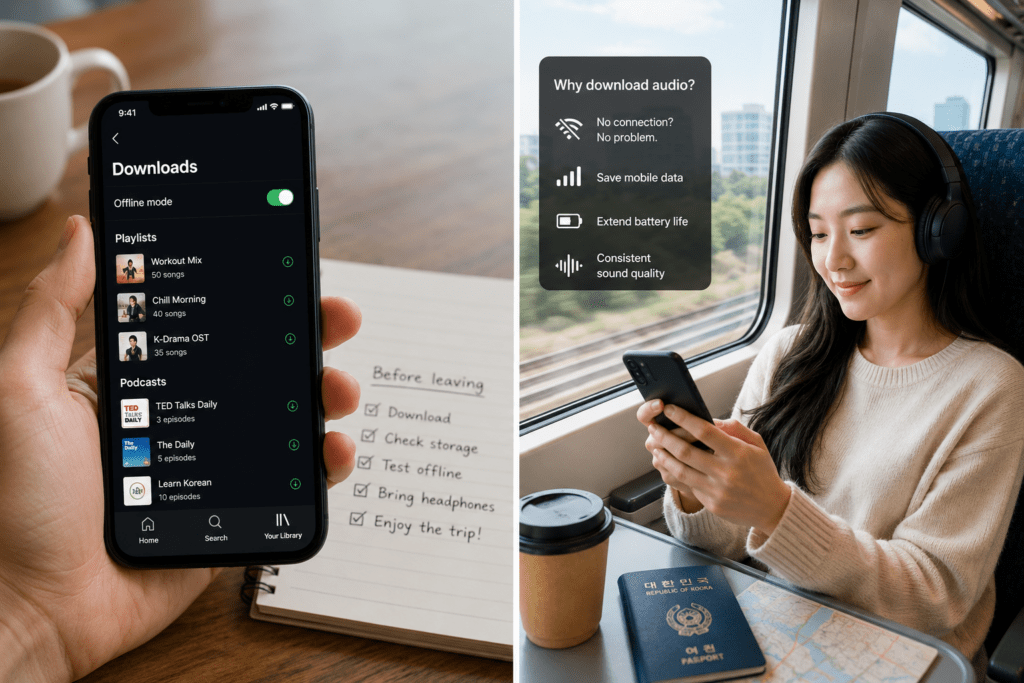
Download Audio When Connection or Data Is Unreliable
Offline listening is most useful when uninterrupted playback matters more than having immediate access to the entire streaming catalog.
During a subway journey, a signal may weaken in tunnels or crowded stations. Streaming can pause, buffer, or reduce quality, while a downloaded playlist continues playing without relying on the current connection. The same applies on a flight, KTX journey, rural drive, hiking route, or campsite where reception may be inconsistent.
Downloading over Wi-Fi can also reduce mobile-data use. This is particularly useful when using a limited Korean data plan or roaming overseas. Instead of repeatedly streaming the same playlist, podcast, language lesson, or audiobook, the user downloads it once and listens without consuming additional mobile data during playback.
Offline playback may also provide more consistent sound quality because the selected download quality is stored before listening. It will not suddenly decline because of network congestion. However, higher-quality downloads require more storage, so the best setting depends on the device, headphones, and available space.
| Situation | More practical choice | What to check |
|---|---|---|
| Daily subway commute | Download regular playlists and podcasts | Recent downloads and available storage |
| Flight or overseas travel | Prepare audio before departure | Subscription validity and offline access period |
| Limited mobile-data plan | Download through Wi-Fi | Mobile streaming and automatic-download settings |
| Hiking, camping, or rural driving | Store essential audio locally | Battery, storage, and successful offline playback |
| Listening mainly at home on stable Wi-Fi | Streaming may be sufficient | No need to download the entire library |
Downloading is less useful when the device has very little storage, the listener constantly changes music, or a stable Wi-Fi connection is always available. The goal is not to download everything, but to keep the audio most likely to be needed without a connection.
An App Download Is Not the Same as Owning an Audio File
The download button in a streaming app generally creates an offline copy that remains controlled by the service. It does not usually provide a transferable MP3 or another unrestricted file.
Spotify allows Premium subscribers to download albums, playlists, and podcasts, while free users can download podcasts only. Spotify also requires the device to connect to the internet at least once every 30 days to maintain downloaded content.
YouTube Music Premium similarly allows music and podcasts to be downloaded for offline listening. Its official guidance states that the device must reconnect at least once every 30 days to keep the downloads available.
Apple Music allows subscribers to add music to their library and download it to a device for offline playback. Its Sync Library feature requires an Apple Music or iTunes Match subscription, illustrating that catalog downloads remain connected to the relevant account and service.
This means that cancelling a subscription, signing into a different account, remaining offline beyond the service’s verification period, or removing the app can affect access to downloaded streaming content. The exact result should be checked in the current policy of the service being used.
Audio that the user legally owns or uploads is different. For example, YouTube Music states that users can play their own uploaded songs offline even without a YouTube Music Premium subscription.
Choose according to the intended use:
- Use streaming-app downloads for temporary offline access to a large catalog.
- Use purchased or personally owned files when long-term access, backups, file organization, or use across compatible software matters.
- Do not assume that the word “downloaded” means the file can be copied, converted, or kept after the subscription ends.
Prepare the Offline Library Before Leaving
Do not wait until entering a tunnel, boarding a flight, or losing roaming access to test the downloads.
First, confirm that the current subscription includes offline listening. Then select the download quality according to available storage. Standard or high quality is often sufficient for commuting, while lossless or very high-quality audio may be more appropriate when storage is plentiful and the playback equipment can reproduce the difference.
Download only what is likely to be used: a travel playlist, several podcast episodes, an audiobook section, language lessons, or calming audio for a flight. Large automatic-download libraries can occupy storage with content that is never played.
After downloading, test the library:
- Confirm that the download icon or offline status appears.
- Turn on airplane mode or disable Wi-Fi and mobile data.
- Open the app and play several tracks.
- Check whether the selected headphones or smartwatch can access the downloads.
- Reconnect before a long trip if the service periodically verifies subscription access.
Also review storage before departure. If the device is nearly full, remove completed podcast episodes, duplicate playlists, old downloads, and cached media. Some services provide storage controls within their settings, while supported Android configurations may allow downloads to be saved to an SD card. YouTube Music, for example, provides an option to use an installed SD card for downloaded music.
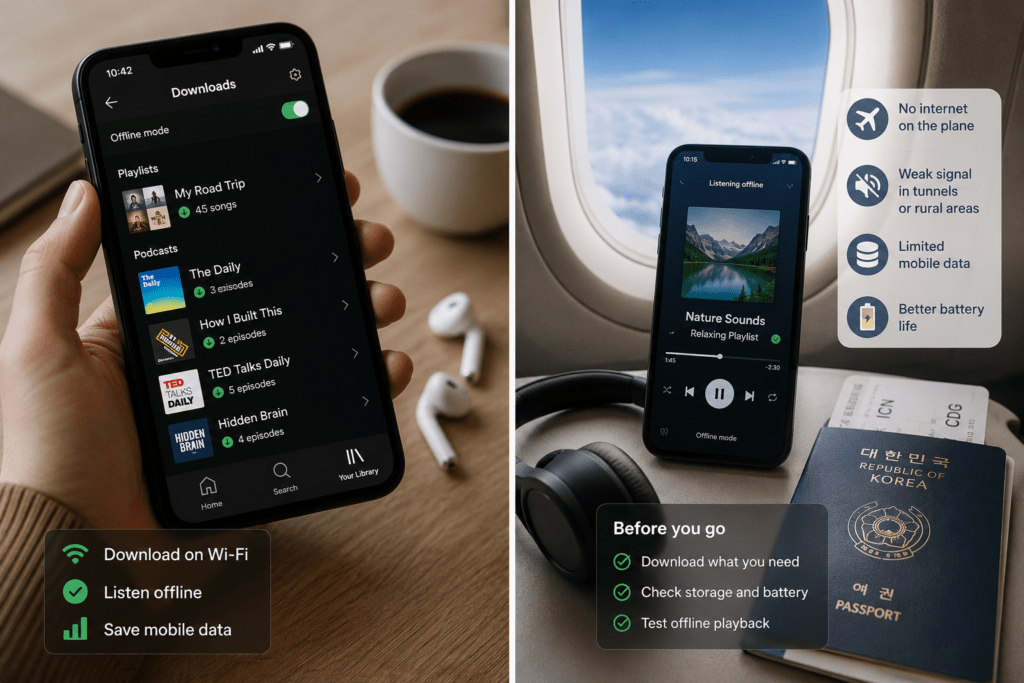
Choose Offline Downloads or Streaming Based on Your Listening Conditions
Downloading audio is more practical when the connection may fail, mobile data is limited, or stable playback is important. Streaming remains more convenient when the listener wants immediate access to a changing catalog over reliable Wi-Fi.
The simplest decision process is:
Identify where you will listen → check the expected connection and data limits → choose app-based offline access or owned files → download and test before leaving.
Offline downloads are best treated as a prepared listening library, not as permanent ownership of everything saved inside a streaming app.